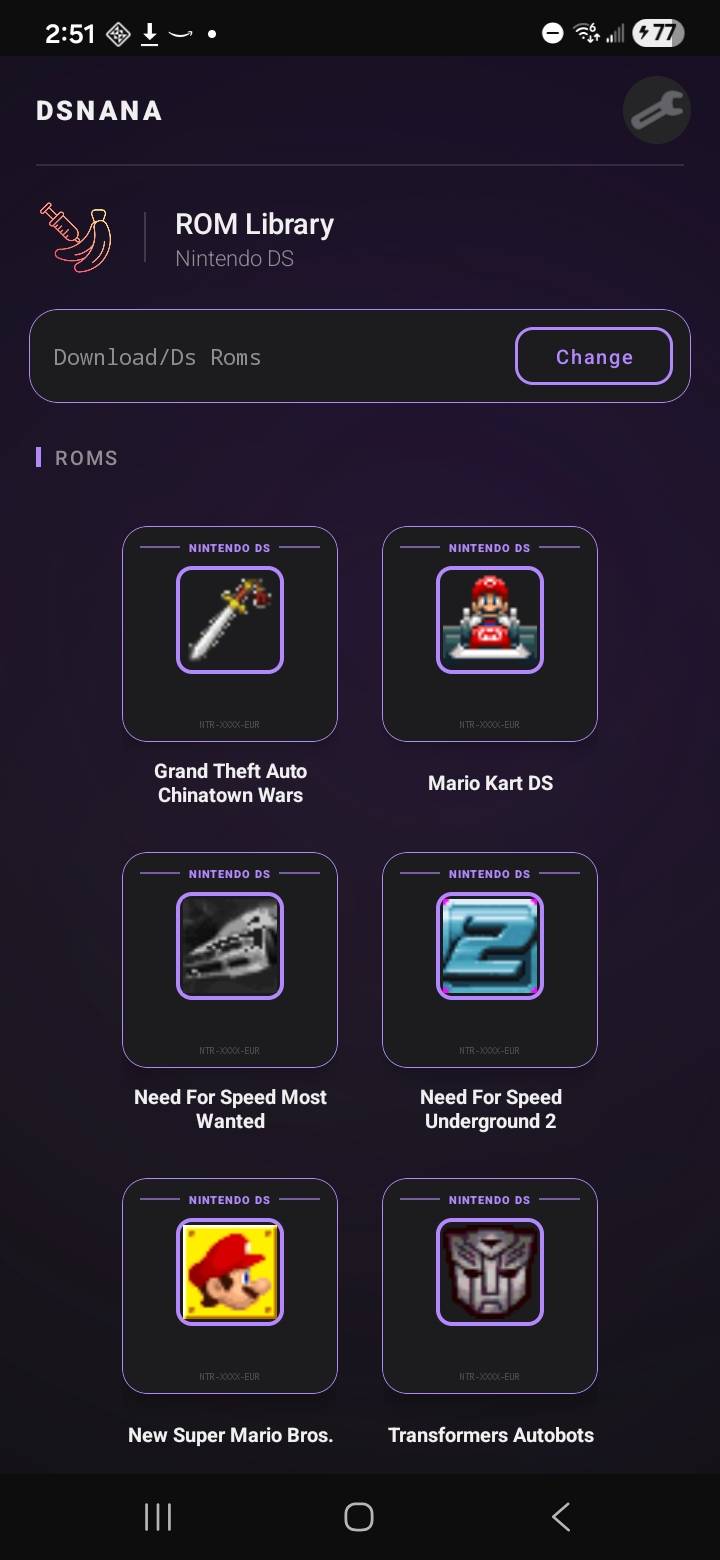
Everything that matters,
right where Android needs it.
The goal here is pretty simple: better frame delivery, less UI nonsense, smarter controls,
and the kind of features Android players actually notice when they use the emulator every day.
Rendering
Hardware-accelerated display and 3D
dsnana uses GPU-backed presentation and a stable hardware OpenGL path for 3D, which means smoother output,
less wasted CPU time on drawing, and better behavior in games that are rough on software rendering.
Layout
Phone-native dual-screen presentation
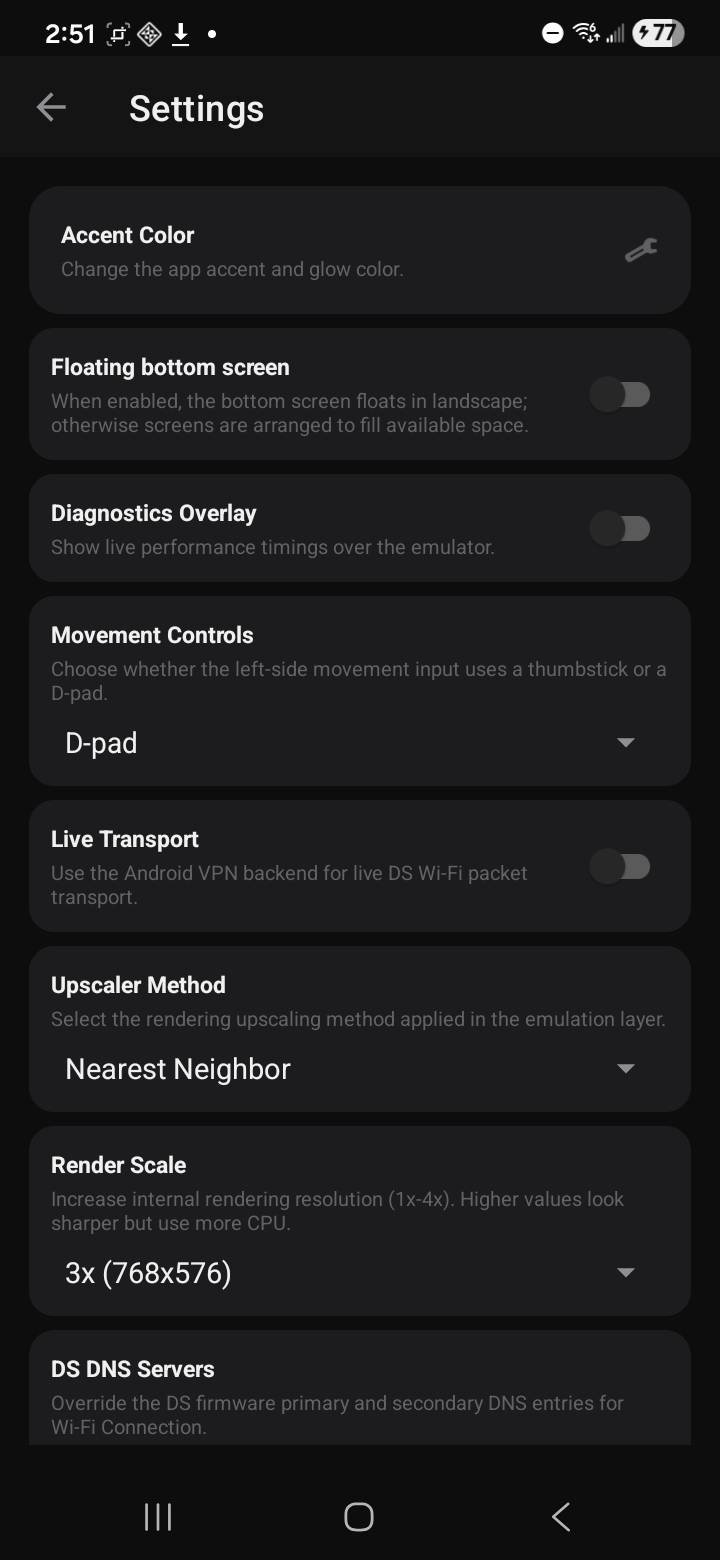
Floating bottom screen support, full-screen GPU presentation, and responsive layouts make the DS setup feel natural
on modern phones instead of cramped, tiny, or weirdly desktop-shaped.
Style
Custom accent colors
You can tune the accent and glow color instead of being stuck with whatever theme the app shipped with.
Small detail, but it makes the whole thing feel more personal.
Controls
Controller-aware overlays
Virtual controls can be hidden manually or auto-hidden when a controller is connected, so the screen stops fighting you
the second you switch input methods.
Networking
Live DS Wi-Fi transport
dsnana includes an Android VPN-backed transport path for DS Wi-Fi packet handling, which is a much more serious answer
to networking support than the usual maybe-later checkbox.
Power user
Render scale, upscalers, diagnostics, debugger
Render scaling, upscalers, diagnostics, and debugger tools are built in, so power users can actually dig in
without turning the app into a mess for everyone else.